


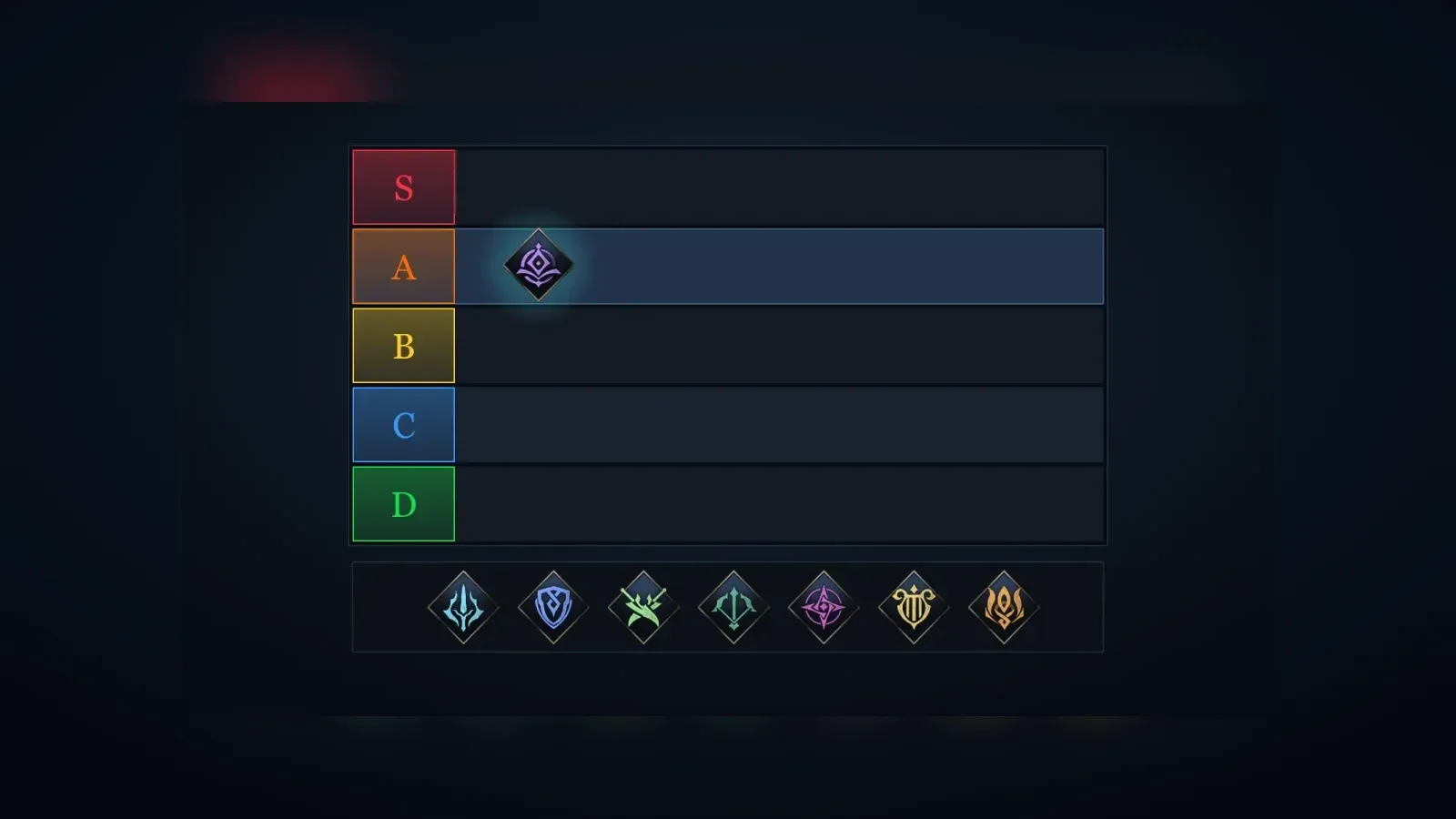
The tier list maker puts the Aion 2 Global classes on a board of tiers that you arrange yourself. Each list belongs to one mode: PvE, PvP or one of the content types in the game's content navigator,  Transcendence,
  Nightmare,
  Ascension Trial,
  Expedition,
  Sanctuary,
  Abyss,
  Arena,
  Battlefield and
  Artifact Siege. A list can be shared as a link, saved as an image or published to the community ranking, which shows where players place each class.
The classes on the board
The board holds the classes the Global client gives a class card, with the party role and weapon the client assigns to each:
| Class | Role | Weapon |
|---|---|---|
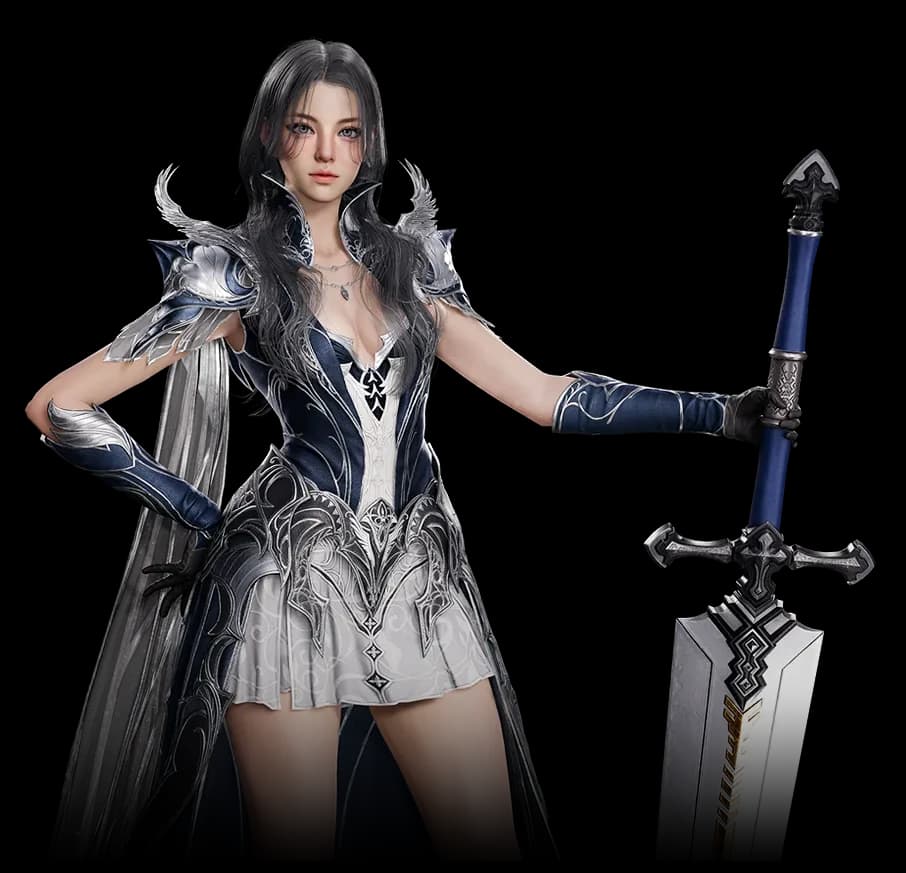 Gladiator Gladiator | Tank, DPS | Greatsword |
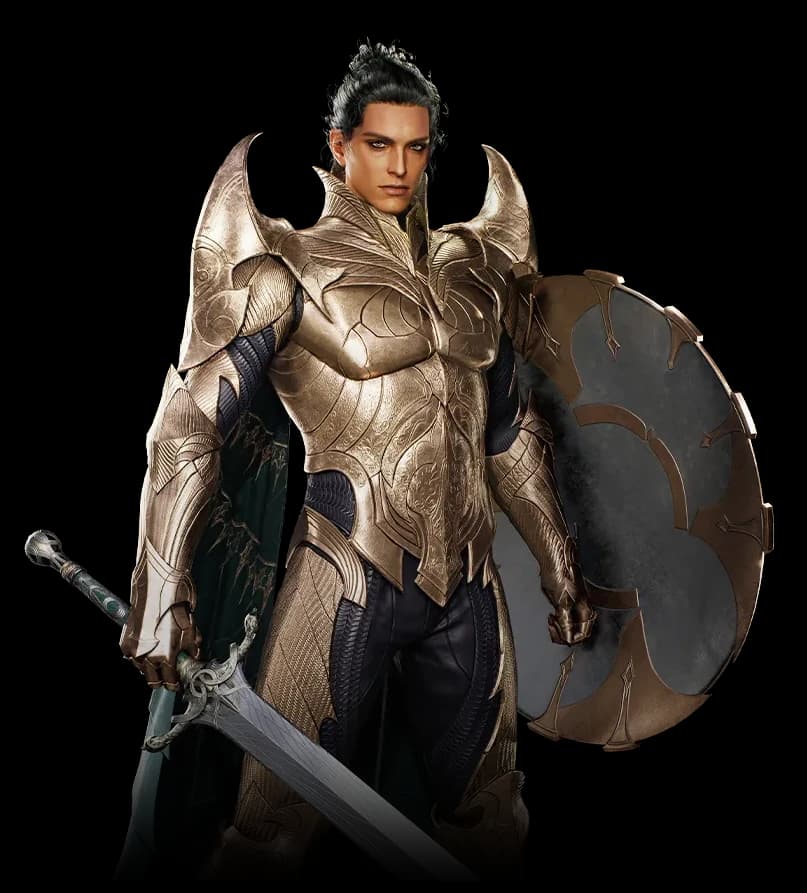 Templar Templar | Tank | Longsword |
 Assassin Assassin | DPS | Dagger |
 Ranger Ranger | DPS | Bow |
 Sorcerer Sorcerer | DPS | Spellbook |
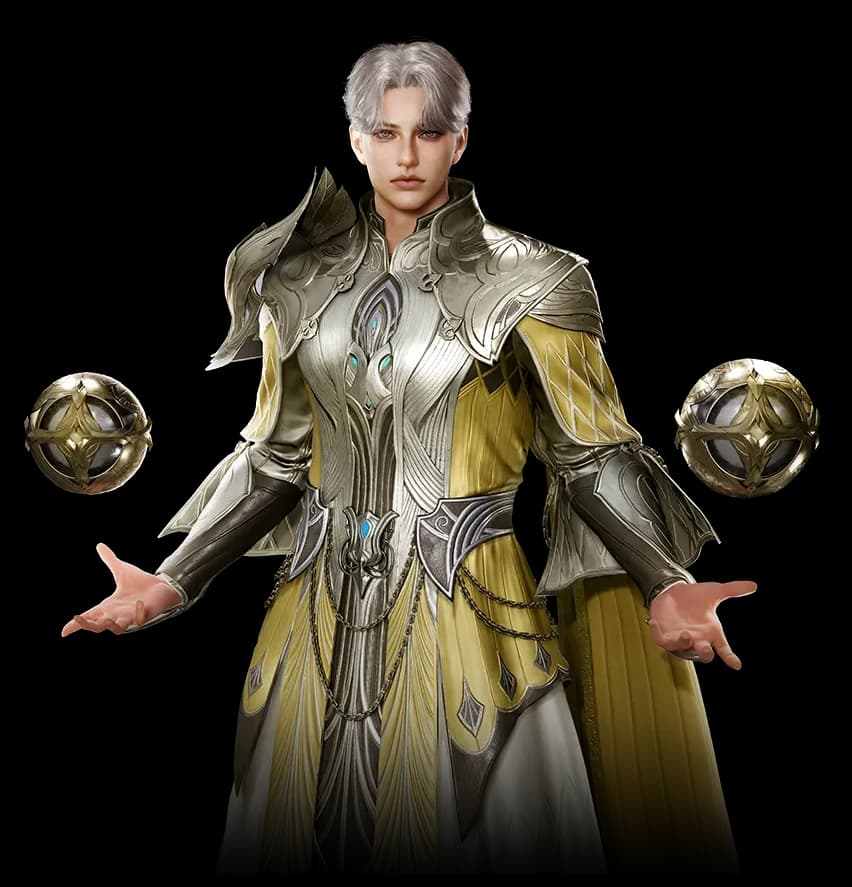 Spiritmaster Spiritmaster | DPS | Orb |
 Cleric Cleric | Healer | Mace |
 Chanter Chanter | Healer, DPS | Staff |
The client says what a class is, not how strong it is. Every placement on a list is the opinion of the player who made it. To choose a class by role, reach or crowd control instead, use the class finder.
Making a list
A new list has five tiers, S to D, and every class waits in the pool under the board. Drag a class from the pool into a tier. Drag it again to move it to another tier, to another position in its tier or back into the pool. The order inside a tier is part of the list. Selecting a class and pressing the arrow keys moves it as well, and Escape puts it back where it was.
The tiers are yours to shape. Rename a tier, move it up or down, remove it or add one. A list keeps between two and eight tiers, and a tier name is one line of text.
Each mode keeps its own list. Switching to a mode opens the list you last made there in this browser, or the tiers you have now, emptied, when there is none. Opening the tool without a link brings back the list you worked on last. When you are signed in, your lists also follow your account.
Sharing and saving
The address holds the mode, the tier names and the classes in every tier, so copying it shares the exact list. Whoever opens it can change it without changing yours. Save as image writes the board to a PNG with the title, the tier names and each class on the game's class diamond.
Publishing and titles
Publishing needs a signed-in account and gives the list a page of its own, with every class linked to its class page. A title is optional. The list is public at once. Its title appears once a moderator approves it, and until then readers see the list without a title while you see it marked as waiting. A rejected title and an unpublished list come back to their author with the reason, and a list a moderator unpublished cannot be published again.
Publishing the same list again keeps its page, and a changed title goes back to review. You can unpublish your own list at any time. Other signed-in players can like a list but not their own, and anyone can copy a list to edit it as a starting point for their own.
How the community ranking is computed
For each mode, every player counts once, with their newest published list. The ranking has five tiers, S to D, so a list with another number of tiers is mapped onto them: tier i of n lands on ranking tier round(4i / (n - 1)), counting from 0. Two tiers fall on S and D, three on S, B and D, and eight on S, A, A, B, B, C, C and D.
A class's median tier is the first tier where the lists placing it reach half of their number. The ranking page shows each class on its median tier with the share of lists that put it in each tier and how many lists rank it, ordered by median tier, then by average position, then by the number of lists. Below it, the published lists of the mode can be ordered by newest, best of the week, best of the month or most liked, where the week and month count the likes given in the last 7 and 30 days.