


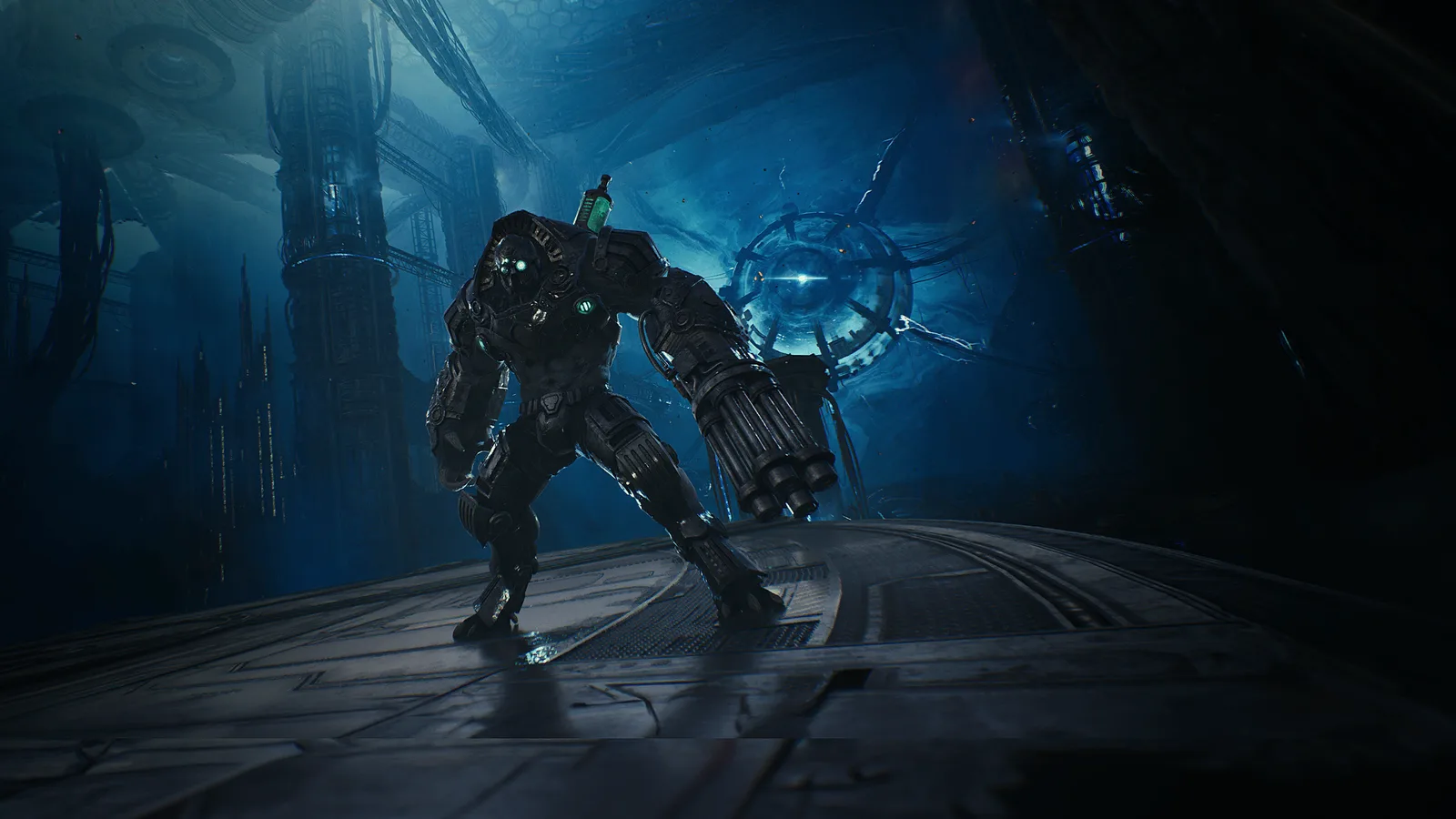
Aion 2 has no mod support of its own: neither the game nor its launcher has a mod menu, and nothing in the client loads add-ons. The mods players publish change the PC client from outside, and the mod directory lists every one published on Nexus Mods by what it changes, what it needs and when its author last updated it.
The four kinds of mods
Every Aion 2 mod published so far falls into one of four groups, and the directory's Goal filter uses the same groups.
- Performance and clarity. The largest group. These are edits to
engine.ini, the Unreal Engine configuration file the client reads at start. They switch off depth of field, film grain, chromatic aberration and motion blur, or change lighting and sharpness. Performance and clarity mods shows them. - Overlays and helpers. Small programs that run beside the game and draw on top of it: boss warnings, a damage meter, a tracker for dash and sprint energy. Overlays and helpers lists them.
- Character looks. Face presets other players saved from character creation. Character looks.
- Startup and fixes. Changes to what happens when the client starts, such as removing the publisher's intro video. Startup and fixes.
What each kind needs
The Requires filter separates mods by what has to be in place before they work. An engine.ini edit is a text file: you copy its lines into the game's own engine.ini and they apply at the next start, so it needs nothing else installed. Removing it means deleting those lines. The other mods state no requirement on Nexus Mods; an overlay is a program you start yourself beside the game.
Keeping up with game updates
Aion 2 changes every week on the Global servers, and a mod written before an update can stop doing what it says. The Updated since filter keeps only mods whose author updated them after a given point: the Global launch on October 5 or a weekly update. The October 7 update, for example, is the first weekly patch after launch, and mods updated since it are the ones changed after it shipped. Every patch the site covers is on the updates page.
Sorting by Last updated puts the newest work first; sorting by Downloads or Endorsements shows what most players chose.
Opening a mod
Each name in the directory opens the mod's page on Nexus Mods, where its files, install steps and the author's notes are. The directory shows the author's own summary as written, the author, downloads, endorsements and the date of the last update, so you can rule a mod in or out before leaving the site.