


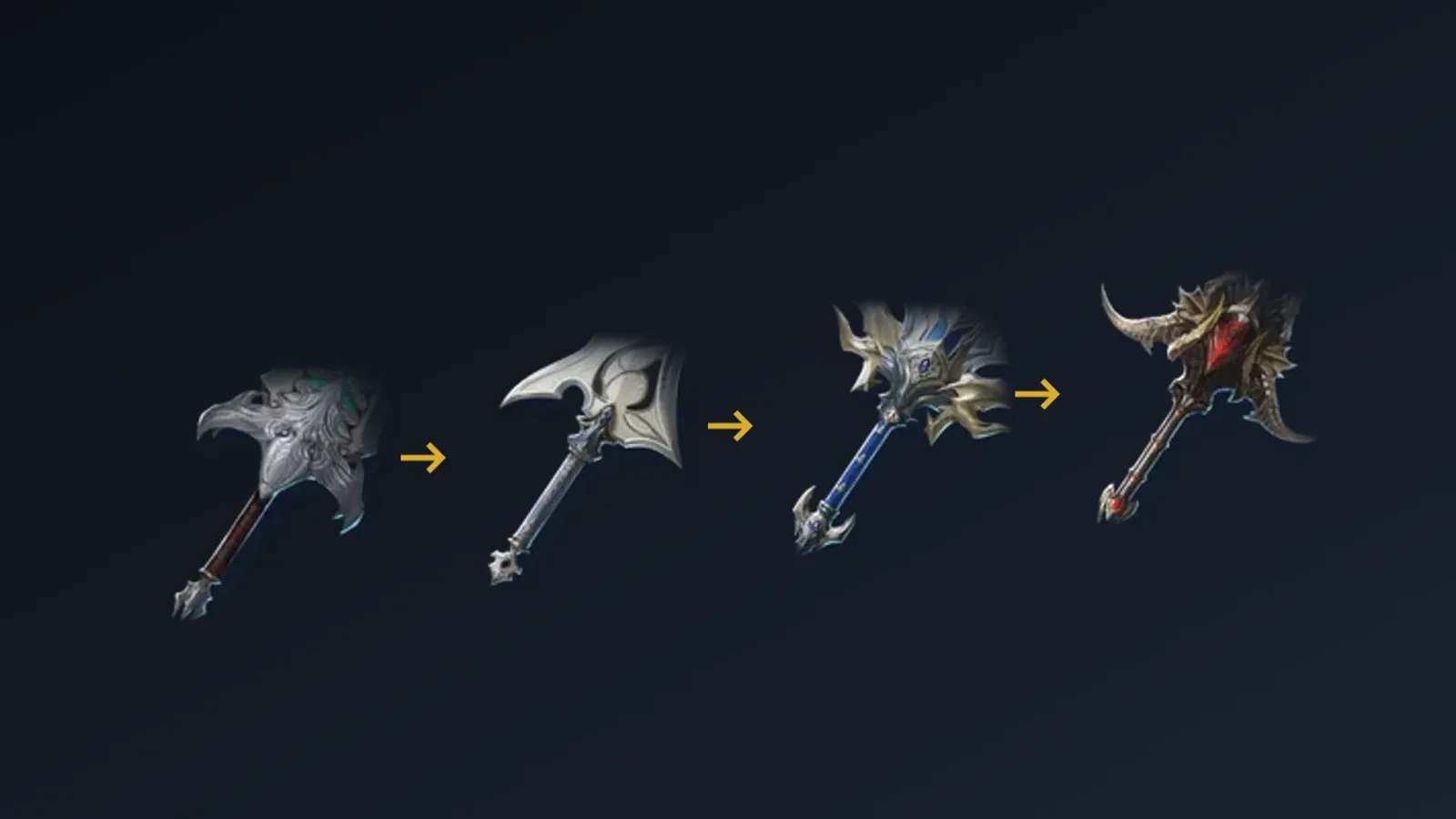
The item list has two views. Cards show the item art and its name; the table view lists one row per piece of equipment with a column per attribute, so "which greatsword has the most Max Attack" becomes one click on a column header. It reads the attributes the item page lists for each enhancement level, so the numbers in a row match the item page at the same level.
Each tier of a slot lifts the attribute columns; the table puts the tiers in one order.
Opening the table
On the item list, press Table. The columns are the piece with its icon and a preview on hover, quality, item level, category, the classes that can wear it and one column per attribute the listed pieces carry, named as the game names them in your language. Narrow the list to one category first, for example Greatsword, so the attribute columns are the ones that category has. Cards and Table are two views of the same filters.
Sorting and filtering
- Headers sort. Name, quality, item level and every attribute column are links. The first click on an attribute sorts the highest value first, a second click reverses the order. Pieces without the attribute go to the end.
- Enhancement selects the level the columns are computed at, from +0 up to +20. The attributes and the item level are the item page's own values at that level. A piece that cannot be enhanced that far stays at its highest level.
- Quality, class and category keep the pieces of one quality, class or slot.
- Item level from and to keeps pieces in a range. With a table open, the range applies to the item level at the chosen enhancement level, which rises by about one per level.
- Attribute keeps only the pieces that carry a given attribute.
Every choice is part of the address, so a sorted table can be shared as a link and Back and Forward move between sorts. Each result page has its own address too.
Example: the best greatsword by Max Attack
Open the table, choose the Greatsword category, sort by Max Attack. At +0 the top is 604 Max Attack at item level 102. Six rows tie there: two entries of Ludra's Blade of Extinction, and the Splendent Wise Dragon Lord and Splendent Ebony Dragon Lord greatswords, each in a tradable and a not tradable version. Rows that tie are ordered by item level, then by name.
Choose +15 in the Enhancement select and the same six rows lead with 778 Max Attack at item level 117. The order of the top did not change, but the gaps behind it did:
| Greatsword | +0 | +5 | +10 | +15 |
|---|---|---|---|---|
| Splendent Wise and Ebony Dragon Lord, Ludra's Blade of Extinction | 604 | 659 | 718 | 778 |
| Wise and Ebony Dragon Lord | 557 | 607 | 662 | 717 |
| Abyssal Claymore, Splendent Dark and White Dragon Lord | 508 | 554 | 604 | 654 |
Each row names some of the pieces of its tier; other pieces of the tier share its values.
Two things follow from the table that a list sorted at +0 hides:
- A Wise or Ebony Dragon Lord greatsword at +5 has 607 Max Attack, more than the 604 of an unenhanced Splendent one, at item level 99 against 102.
- An Abyssal Claymore reaches 604 at +10, the +0 value of the top tier, at item level 96.
So the enhancement level you can afford decides which row to look at.
What the table does not include
- Only base attributes are columns.
 Soul Binding stats, manastones and Amplified Enhance choices belong to a character's own piece, not to the item, so they are not in the table. The character comparison reads them from a real character.
 - Pieces without base attributes, such as materials and consumables, have no row. Use the cards view for those.
- A column is shown only for attributes the filtered pieces carry, so a category such as Greatsword shows its weapon attributes and no armor ones.
- Pieces that look identical can be separate rows, for example the tradable and the not tradable version of one item. Open the item page to see how they differ.