


Mastery upgrades improve skills you have learned. Stigma slots limit which stigma skills you equip, while party-effect rules determine which benefits apply together. Check a skill’s activation condition before spending resources on a benefit your setup rarely triggers.
The Taiwan skill explorer separates active, passive and stigma skills for each class. Names in this guide match the Taiwan game text; the linked descriptions are in Traditional Chinese.
Separate mastery levels from stigma choices
Mastery skills include active and passive skills. The Taiwan skill introduction says that mastery skills are learned when their character-level requirement is met. Skill points come from leveling and quest rewards. Points can raise a skill to level 10; higher skill levels come from equipment and other progression bonuses.
Stigma uses the resource named 烙印碎晶 instead of ordinary skill points. Its equipped shortcut bar has at most four slots. Higher stigma levels also have their own progression requirements. The skill screen supports up to three presets, so different situations do not need to share one permanent setup.
That distinction changes your preparation. First identify the jobs your four stigma choices need to do. Then inspect the active and passive skills that support those jobs. Do not read every ability in one class list as a skill competing for the same four slots.
Mastery separates active and passive skills. The blue callouts belong to the game guide.
Stigma has its own resource and equipped shortcut slots.
Set up the hotbar and basic-skill assist
Open the skill screen with K. The built-in basic-skill assist arranges normal and strong attacks into stages, with a delay for each stage. Open its button at the upper right of the skill screen, add the stages you want, then assign a key under Settings → Key settings → General → Skill assist. The Taiwan interface labels the sequence window 巨集.
Choose attacks and a delay for each stage. The example's delay values are settings, not a recommended rotation.
Press the assigned key to execute the assist. Manual skill input has priority. The guide also warns that the stages continue automatically and their correct order is not guaranteed. Use the assist to send skill inputs. Conditional attacks still need their conditions met, and the sequence does not establish an optimal damage rotation.
If a mouse binding does nothing, check the control mode before rebuilding the sequence. Mouse-related assist bindings do not work in AION1 mode. The / key switches between AION1's click control and AION2's aiming control; Alt shows the cursor in AION2 mode. Target selection still matters: Tab selects a target, and a skill's own activation requirements still apply.
The Taiwan controller guide describes partial beta support. X and Y use the normal and strong attacks. LT with X/Y/B/A accesses skills 3–6, RB with X/Y accesses skills 7–8, and RT with X/Y/B/A accesses the four stigma slots. These modifier groups explain why the four stigma choices are separate from the other skill buttons. Check the current game's controller settings before assuming every menu supports controller input.
Reassign points without confusing the resources
Mastery has a paid skill-point refund; stigma can be reset freely without a reset-count limit. These are different reset rules. A specialization becomes available when its skill reaches the stated level, so inspect the specialization requirement before spreading points across several skills. The three skill presets let you keep distinct selections, but they do not remove the need to learn the skills or pay the applicable upgrade costs.
Read the trigger before the benefit
A useful effect is only useful when its trigger is available. Open the skill's detail page and read the entire description, then its casting notes. Search the exact effect phrase to compare other skills that mention it.
For example,  Gladiator's
  腳踝斬 requires a successful block before its attack. Its description distinguishes the chance to bind an enemy from the stated 100% binding behavior against an NPC. That NPC sentence is not a promise of the same result against another player.
When making a PvP setup, separate player-target effects from NPC-specific guarantees. When making a dungeon setup, ask whether the stated trigger fits the attacks and target states you expect. This is a better starting point than sorting skill names by how powerful they sound.
Read the successful-block condition separately from the NPC binding guarantee.
Follow a dependency without inventing a rotation
Some descriptions name another skill because they enable it, change it or restrict an effect. Those are different relationships. The linked name is a reason to inspect the other skill, not an automatic recommendation to cast the pair in a fixed order.
Gladiator's  激怒爆炸 temporarily enables
  下鑿擊 after a hit. The same description also names
 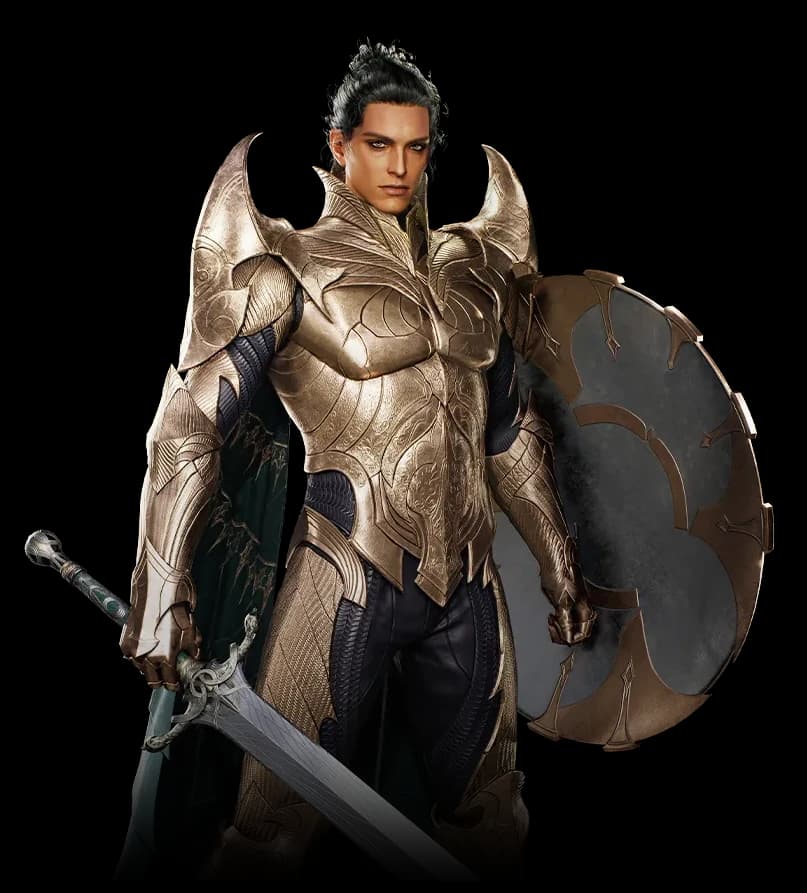 Templar's
  挑釁, but for a different reason: their specified attack-reduction effects do not stack. Treating every linked skill as a combo would turn that restriction into bad advice.
Keep the selected description open while moving through its class roster. Related skills link to their own descriptions, including another class where necessary. Back returns to the previous selection. A shared skill link opens the same named skill for a teammate.
An enabled attack and a non-stacking debuff are different relationships.
Check party overlap before adding another buff
A second source of a buff is not automatically a second copy of its benefit. Look for wording about effects not applying together, higher-level priority and equal-level tie rules. Also identify precisely which part of a multi-effect skill is restricted.
The party-effect overlap guide walks through the explicitly documented cases. Use it when a Gladiator and Templar, or a  Cleric and
  Chanter, are choosing complementary jobs. Do not remove a skill solely because one of its effects overlaps: its other effects and activation conditions may still matter.
What the explorer cannot decide for you
The explorer does not calculate a complete rotation, DPS, cooldown schedule or upgrade budget. Its descriptions do not supply every rank coefficient or cost. No missing number is treated as zero, and “for a time” does not specify an exact duration.
Before paying for an upgrade, confirm the current skill level, the actual resource cost and any specialization unlock in your client. Then use the explorer to check the effect, its conditions and named interactions. Equipment changes belong in the separate Taiwan equipment comparison; Korea's enhancement calculator is not a price quote for Taiwan skill upgrades.
Keep a skill when its trigger fits the encounter and its effect adds something the party needs. Check its actual upgrade cost in the game before committing your resources.